This FAQ covers common phishing text message patterns—especially links, short codes, delivery alerts, and messages that claim to be from a bank or service provider. It’s written for car owners and drivers who may receive texts related to accounts, vehicle services, parking, tolls, or delivery notifications, and want clear, safe actions.
1) What is a phishing text message?
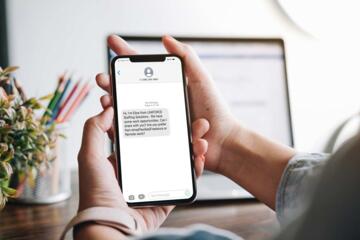
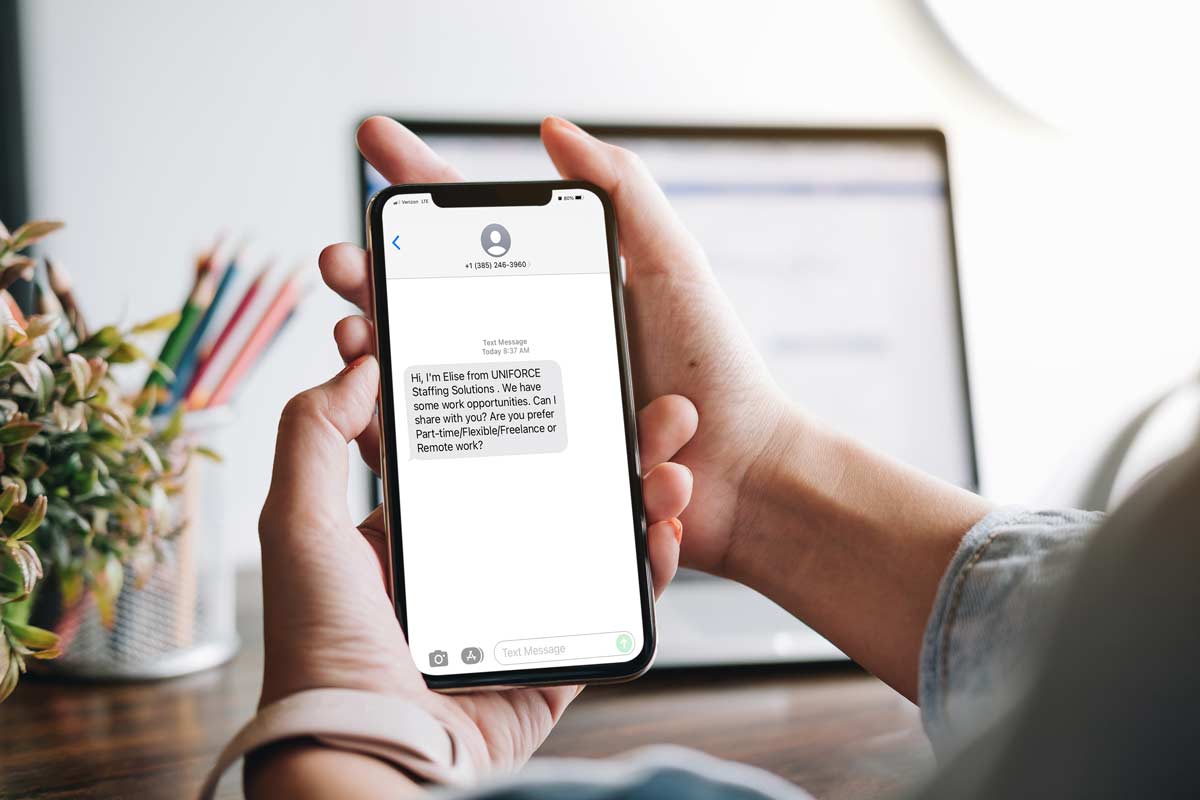
A phishing text message is an SMS or MMS designed to trick you into revealing information (like passwords or one-time codes) or clicking a malicious link. Scammers often impersonate banks, delivery services, or account portals and create urgency (e.g., “verify now” or “account locked”). Even if the message looks realistic, the sender may not be the organization it claims to be.
2) Should I click a link in a text message that claims to be from my bank or a car-related service?
You should not click links in unsolicited or unexpected texts, even if the wording seems plausible. Instead, open a trusted app or type the organization’s official website address yourself, then check your account from there. If the text claims an issue with your vehicle or payments, verify through the official manufacturer app or the service provider’s verified contact channels.
When in doubt, treat the link as untrusted. Scammers can use look-alike domains and redirect chains that are hard to spot on a phone screen.
3) Are short codes (like 5- or 6-digit numbers) always safe?
No—short codes can be used by both legitimate services and scammers. A short code only indicates the message came through a particular SMS routing format; it does not prove the sender is authentic. Verify by checking whether the message matches an account action you initiated and by confirming details through official channels.
If you didn’t request the service, assume it’s suspicious. You can also look for consistent branding and correct spelling, but those are not reliable proof.
4) What does a “delivery failed” or “message not delivered” alert mean?
A delivery alert usually means the SMS/MMS could not be delivered to your device or carrier route, but it does not automatically indicate a scam. However, scammers sometimes use delivery-related wording to lure you into clicking a “retry” link or contacting a fake support number. If you didn’t expect a message, don’t follow instructions from the alert.
Check your account directly (app or official website) rather than responding to the alert text.
5) Why do phishing texts ask for one-time codes or “verification” replies?
Phishing texts often request one-time codes (OTPs) or ask you to reply with a specific word or number to complete “verification.” This can enable account takeover or fraud. Legitimate organizations generally do not ask you to share OTPs via SMS in response to an unsolicited message.
If you receive an OTP you didn’t request, do not provide it to anyone. Secure your account immediately using official login methods.
6) Can replying “STOP” or “HELP” stop phishing texts?
Replying “STOP” may reduce messages from some legitimate marketing senders, but it is not a reliable defense against phishing. Scammers can ignore opt-out requests or use your reply to confirm that your number is active. For suspicious texts, it’s usually safer to avoid replying and instead report and block through your phone’s messaging app.
If you want to opt out of a service, do it from the official app or website where you originally subscribed.
7) Do phishing texts cost money or affect my car or driving accounts?
Phishing texts can lead to financial loss if they trick you into entering payment details or authorizing transfers, and they can also compromise accounts used for parking, tolling, charging, or vehicle services. The impact depends on what the scam targets and what actions you take after receiving the message. If you clicked a link or entered credentials, assume your account may be compromised.
For vehicle-related services, verify payment methods and session history in the official app, not through the text link.
8) What should I do if I already clicked a link or entered information?
If you clicked a link or entered credentials, take immediate steps: close the page, change your password from an official site/app, and enable multi-factor authentication if available. Then review account activity (logins, devices, payment methods) and contact the organization using verified contact information. If you entered an OTP, treat it as compromised and secure the account right away.
For car or mobility services, also check whether any connected payment or subscription settings changed.
9) Are there any edge cases where a text might be legitimate but still risky?
Yes. Legitimate organizations sometimes send texts with links for account alerts, delivery updates, or service reminders, and those messages can look similar to scams. The risk is higher when the message is unexpected, creates urgency, includes a shortened/odd URL, or asks for sensitive actions (like sharing codes). Use a “verify without clicking” approach.
If you want to learn how to evaluate URLs and message authenticity, see how to spot phishing links on mobile.
10) How can I reduce phishing texts going forward?
You can reduce exposure by blocking suspicious senders, reporting phishing in your messaging app, and limiting what information you share publicly. Avoid clicking links from unknown numbers, and prefer checking vehicle and banking status through official apps or by typing the website address yourself. Keep your phone’s OS and messaging apps updated, since security fixes can help with known vulnerabilities.
For broader guidance, you may find steps to secure your phone and accounts against scams useful.
Closing: What to verify for your own vehicle and market
Before acting on any text, verify the sender through official channels (manufacturer app, bank app, or the organization’s verified website), and confirm whether the message matches an action you initiated. If you’re dealing with vehicle-related services, check the exact service name tied to your account (parking, tolling, charging, or remote features) and review payment settings. If you tell me your country and the type of message (bank, delivery, vehicle service), I can help you map the safest verification steps.
Related reading: how to report suspicious texts safely, how SMS short codes and sender IDs work, and account security checklist for drivers.